
Flowkey
Keyframe easing for Premiere Pro. Turn stiff, linear keyframes into smooth, natural motion — in one click.
What's included +
- Flowkey panel for Premiere Pro (.zxp installer)
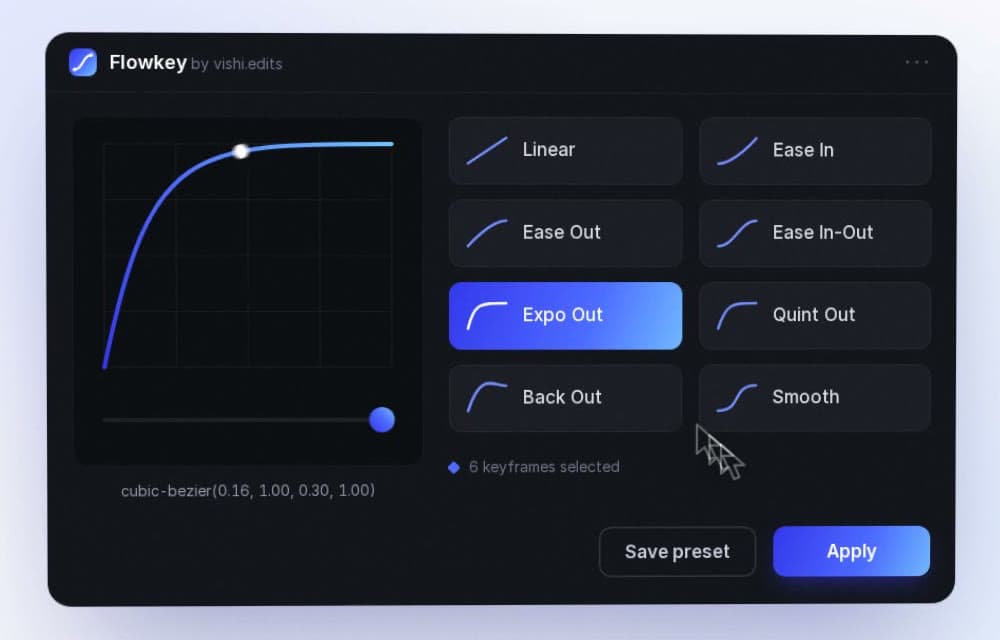
- 8 easing presets: Linear, Ease In, Ease Out, Ease In-Out, Expo Out, Quint Out, Back Out, Smooth
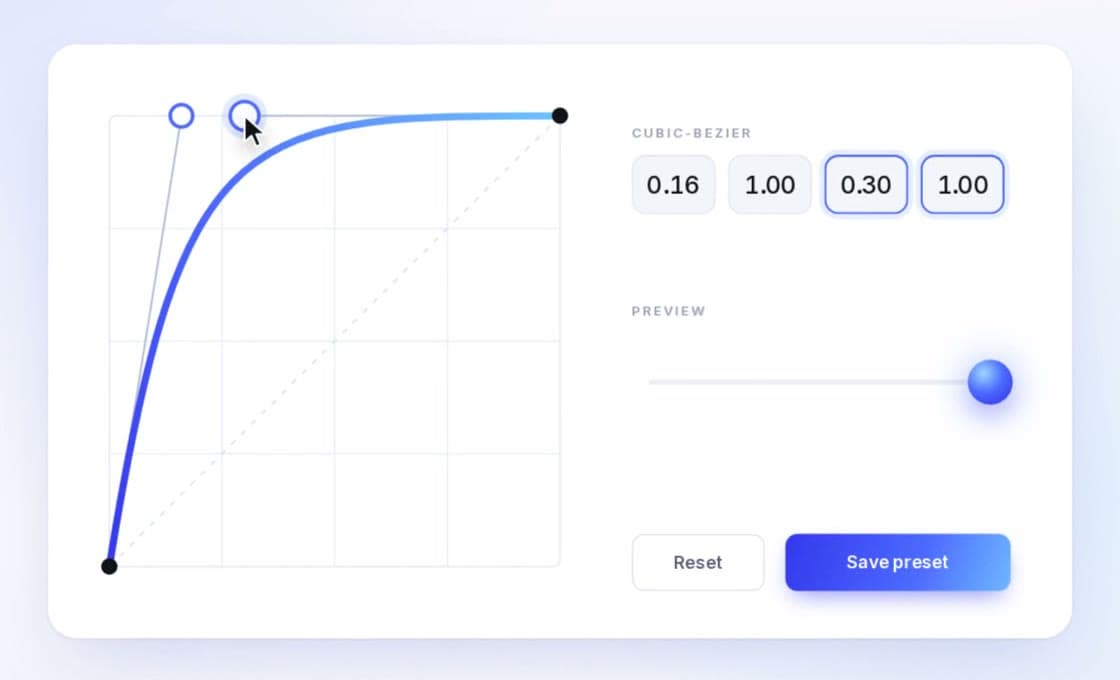
- Custom cubic-bezier curve editor with live preview
- Unlimited saved presets of your own
Installation +
Install the .zxp with a ZXP installer, restart Premiere Pro, then open Window › Extensions › Flowkey.
One click. Silky motion.
Select your keyframes, pick a curve, hit Apply. Flowkey eases every selected keyframe at once — no more dragging Bezier handles one by one.
Shape any curve.
Drag the handles or type exact cubic-bezier values, and watch the preview move before you commit.
Save it once. Reuse it forever.
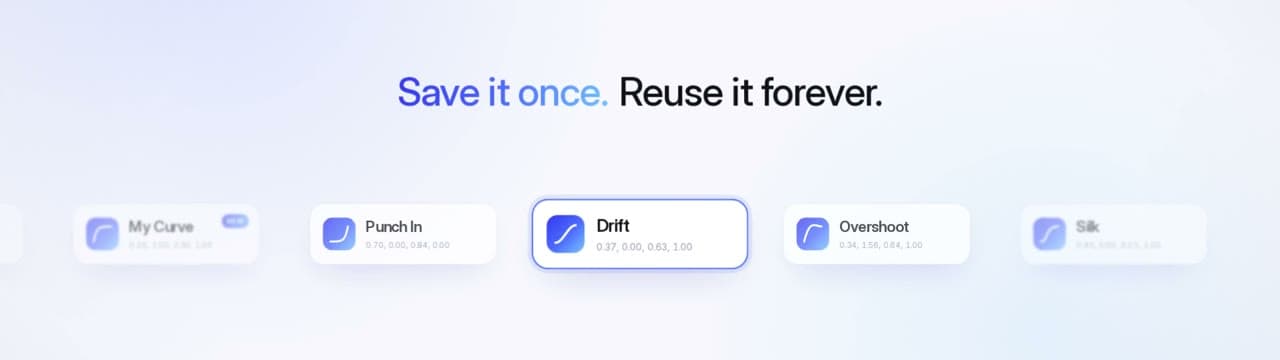
Keep your signature moves — Punch In, Drift, Overshoot — as presets, one click away on every project.
Feel the difference.
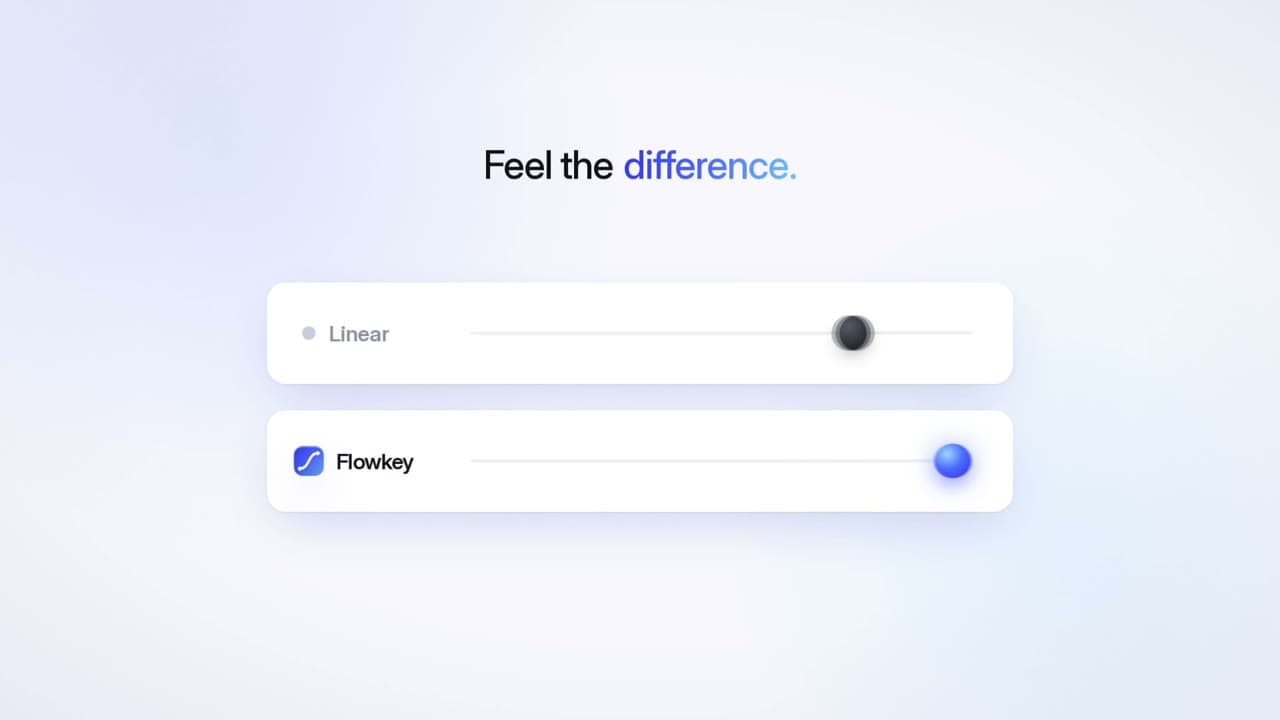
Linear keyframes start stiff and stop hard. Flowkey gives titles, zooms and pans the weight of real motion.

Questions, answered.
Which versions of Premiere Pro does it work with? +
Flowkey runs as a panel in recent versions of Premiere Pro on macOS and Windows. If you're unsure about your setup, contact us before buying.
How do I pay? +
Checkout runs on Razorpay — pay with UPI, debit or credit card, netbanking or a wallet. Your download link appears right after payment and is emailed to you too.
How do I install it? +
Flowkey ships as a .zxp file. Install it with a ZXP installer (such as aescripts ZXP Installer), restart Premiere Pro, then open Window › Extensions › Flowkey.
Does it work on keyframes I already have? +
Yes — select any existing keyframes in the Effect Controls panel and apply a curve.
Do I get updates? +
Yes — every Flowkey update is free for buyers.